
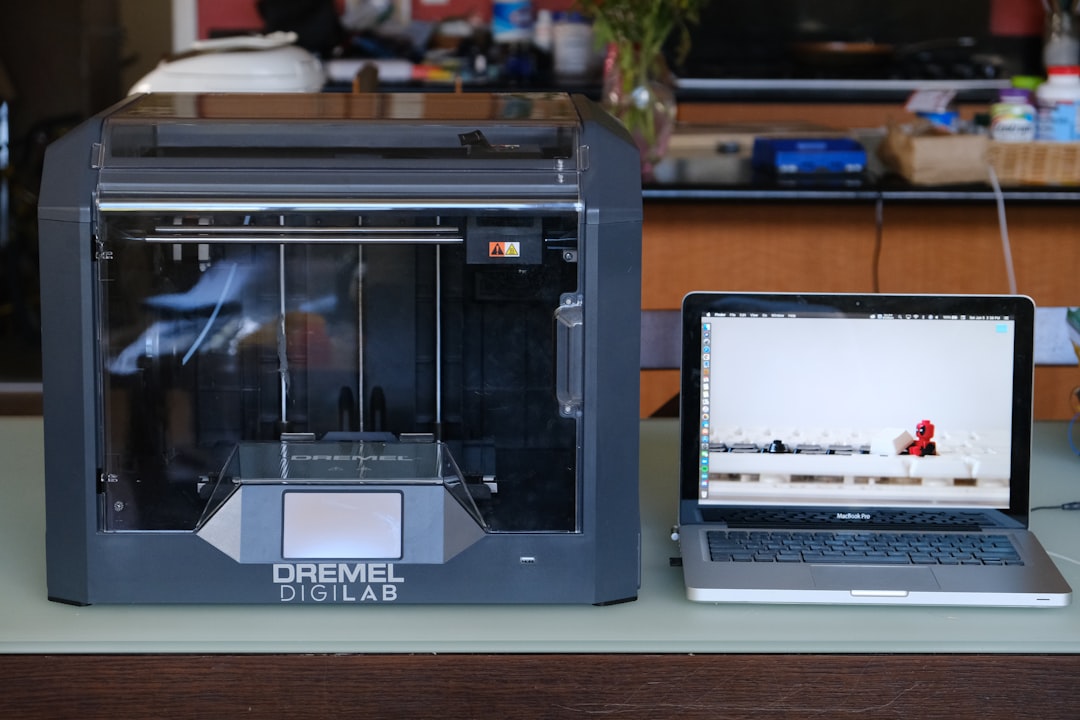
A printer breakdown refers to a failure or malfunction that prevents the printer from functioning correctly. This can manifest as printing errors, paper jams, connection problems, or even complete failures. In an office or home environment, such a breakdown can lead to project delays, frustration, and lost productivity. Modern printers, while often reliable, are not immune to technical issues, and understanding what a breakdown entails is essential for any user. Printer breakdowns can vary in severity. Some can be resolved quickly by the user, while others may require the intervention of a qualified technician.
For example, a simple paper jam can often be corrected by removing the jammed paper, while a motherboard or software problem may require advanced technical skills. Therefore, correctly diagnosing the type of breakdown is crucial to determining the best approach to resolution.
- Summary: A printer breakdown is a failure or malfunction that prevents it from functioning properly. Common causes include low ink, paper jams, or mechanical problems.
- A printer breakdown can delay your work and impact your productivity.
- To prevent breakdowns, it’s essential to maintain your printer regularly and follow the manufacturer’s recommendations.
- If a problem occurs, it’s sometimes necessary to call a professional for effective troubleshooting.
- The most common causes of printer breakdowns
Printer malfunctions can be caused by a variety of factors, including paper jams, which occur when paper becomes stuck in the printing mechanism. This can be due to using poor-quality paper, improper paper loading, or a buildup of dust and debris inside the printer. Users should pay close attention to how they load paper and ensure they are using supplies compatible with their printer model. Another common cause is related to ink cartridges. Empty or nearly empty cartridges can lead to incomplete or blurry prints.
In addition, incompatible or defective cartridges can also cause problems. Users should regularly check ink levels and ensure they are using manufacturer-recommended cartridges to avoid these issues. Furthermore, connection problems, whether wired or wireless, can also cause printer failures, making it impossible to send documents for printing.
The consequences of a printer failure on your work

The consequences of a printer failure can be significant, especially in a professional setting. When a printer breaks down, it can lead to delays in the production of essential documents, which can affect delivery times and customer satisfaction. For example, a company that needs to print contracts or presentations for an important meeting could find itself in a difficult situation if its printer malfunctions.
This can also damage a company’s image if it fails to meet its commitments. Furthermore, printer breakdowns can lead to additional costs. Companies may be forced to purchase a new printer urgently or call in an expensive repair service.
Moreover, the time wasted trying to resolve the problem can also translate into financial losses. Employees may spend hours attempting to repair a faulty printer instead of focusing on their core tasks, negatively impacting the team’s overall productivity.
How to Avoid Printer Breakdowns
To avoid printer breakdowns, it is essential to adopt certain preventative practices. First, regular maintenance is crucial. This includes periodically cleaning the printer to remove dust and debris that may accumulate inside.
Users should also regularly check the feed rollers and other mechanical components to ensure they are functioning properly. Preventative maintenance can extend the printer’s lifespan and reduce the risk of unexpected breakdowns. Furthermore, choosing the right printing materials is important. Using appropriate quality paper and manufacturer-recommended ink cartridges can make a significant difference to printer performance. Users should also pay close attention to their printer model’s technical specifications and avoid using incompatible supplies that could cause damage or malfunctions.
Steps to take in case of printer failure
When a printer malfunction occurs, it’s important to follow a series of steps to diagnose and resolve the problem effectively. The first step is to identify the nature of the problem. This may involve checking for error messages displayed on the printer’s screen or on the connected computer.
Once the user has a clear understanding of the problem, they can move on to searching for specific solutions. The second step is to perform basic troubleshooting. This may include restarting the printer and computer, checking wired or wireless connections, and inspecting the paper for jams.
If these steps do not resolve the issue, it may be necessary to consult the user manual or the manufacturer’s online resources for further guidance on resolving specific problems.
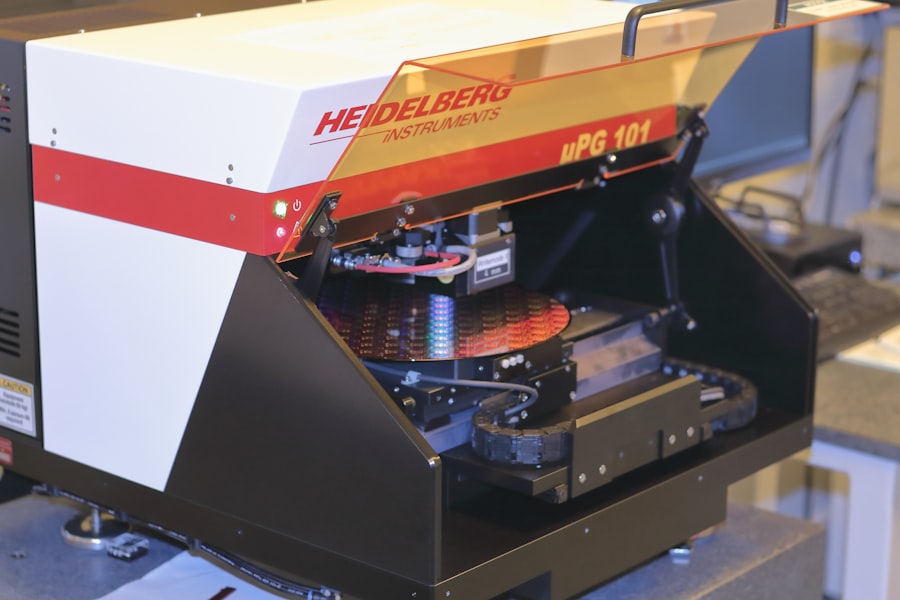
Photo Printer Repair
Troubleshooting solutions vary depending on the type of problem the user is experiencing. For a paper jam, the first step is usually to open the paper tray and carefully remove the jammed paper. It’s important to follow the manufacturer’s instructions to avoid damaging internal components.
Once the paper is removed, it’s advisable to check for any remaining pieces stuck in the mechanism. For ink cartridge issues, it’s often helpful to remove and then reinstall the cartridges to ensure they are properly seated. Checking ink levels and replacing empty cartridges is also essential for optimal printing.
In case of software problems, such as a print error due to an outdated driver, it may be necessary to update the software or drivers via the manufacturer’s website.
When should you call a professional to repair a broken printer?
There are several situations where it is better to call a professional to repair a broken printer rather than trying to fix the problem yourself. If the user has followed all troubleshooting steps without success and the printer continues to display errors or not function correctly, this may indicate a more complex problem that requires technical expertise. Additionally, if the printer shows visible signs of physical damage, such as broken parts or unusual noises during operation, it is advisable to consult a professional. Attempting to repair a damaged printer yourself can worsen the problem and lead to additional costs. A qualified technician will be able to accurately diagnose the problem and offer appropriate solutions. Tips for Extending the Life of Your Printer
To extend the life of a printer, several best practices can be implemented. First, it is essential to use the printer regularly. Printers that remain inactive for extended periods can experience problems such as printhead drying out or dust accumulation. By using the printer regularly, you keep its components in good condition and reduce the risk of malfunctions. Second, it is recommended to store the printer in a clean, dry environment, away from potential sources of humidity or excessive heat. A stable ambient temperature also contributes to the proper functioning of the internal components.
Finally, investing in a good uninterruptible power supply (UPS) can protect the printer from power surges and sudden outages that could damage its internal circuitry. By following these tips and remaining vigilant for warning signs of a potential failure, users can maximize their printer’s performance and lifespan while minimizing the inconvenience of unexpected breakdowns.
Leave a Reply