
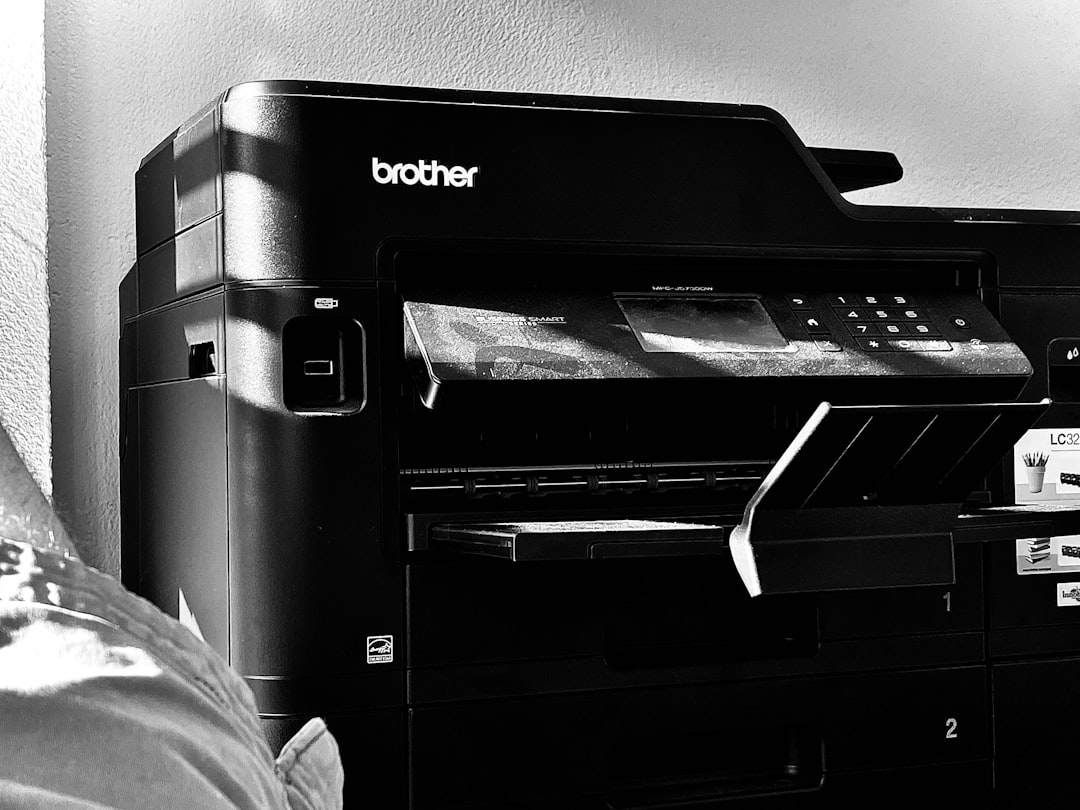
In a modern work environment, the photocopier is an essential tool that facilitates document management and team communication. However, to ensure efficient and responsible use of this equipment, it is essential to establish a user guide. This guide defines the rules and best practices to follow when using the photocopier. This guide not only ensures the proper operation of the device, but also preserves company resources and respects the confidentiality of the information processed.
Implementing a photocopier user guide also raises user awareness of document management issues. Indeed, thoughtful use that adheres to established guidelines helps reduce printing and photocopying costs while minimizing environmental impact. In this article, we will explore the different sections of this guide, focusing on basic rules, safety instructions, consumables management, and best practices for optimal photocopier use. Summary
Introduction to the Photocopier User Guide
- Basic Rules for Using a Photocopier
- Safety Instructions
- Managing Consumables
- Best Practices for Saving Paper and Ink
- Basic Rules for Using a Photocopier
The basic rules for using a photocopier are essential to ensure smooth and efficient operation of this equipment. First and foremost, it is essential that each user be trained in the proper use of the photocopier. This includes understanding the various functions available, such as double-sided copying, choosing the paper size, and adjusting print settings.
Proper mastery of these features not only optimizes the time spent at the machine, but also avoids errors that could lead to waste. Next, it’s important to respect the usage limits set by the company. This may include monthly quotas or restrictions on the type of documents that can be photocopied.
By respecting these limits, users contribute to responsible resource management and the company’s financial sustainability. Furthermore, it’s advisable to always check that the photocopier is in good condition before use, ensuring there are no paper jams or other technical issues that could disrupt its operation.
Safety Instructions
Photocopier Usage Policy
It is therefore advisable to handle these consumables with care and follow the manufacturer’s instructions. Finally, it is recommended to turn off the photocopier when it is not in use for an extended period to reduce the risk of fire and save energy.
Managing Consumables
Consumables management is a key element in ensuring the proper functioning of your photocopier and optimizing its use. Ink cartridges and toners must be monitored regularly to anticipate their replacement before they run out. Proper management not only helps avoid interruptions during printing, but also reduces the costs associated with purchasing new consumables.
It is also important to store consumables in a suitable location, away from humidity and extreme temperatures. This ensures their longevity and efficiency. Furthermore, it is recommended to use products that are compatible or recommended by the photocopier manufacturer to avoid any technical issues.
By taking a proactive approach to consumables management, users can help extend the life of their photocopier while optimizing operating costs. Best Practices for Saving Paper and Ink
Saving paper and ink is not only beneficial for the environment, but it also allows a company to reduce its operational costs. To achieve this, there are several best practices that each user can adopt when using the photocopier.
For example, favoring double-sided photocopying is an excellent way to reduce paper consumption.
Furthermore, before printing a document, it is advisable to check whether a digital version would suffice, which would allow you to avoid printing altogether. Another effective practice is to adjust the print settings according to the specific needs of the document. For example, for internal documents or drafts, it may be wise to print in economy mode or using a lower print quality.
This not only saves ink, but also extends the life of the cartridges used. By incorporating these best practices into their daily routine, users can significantly contribute to reducing waste and conserving resources. Privacy and Data Protection Rules
Photocopier Usage Policy
Risks Associated with Disclosing Sensitive Information
Indeed, this device may process sensitive documents containing confidential customer or employee information. Therefore, it is imperative that each user is aware of the risks associated with inadvertently disclosing sensitive information.
To ensure data security, it is recommended to use access codes or authentication systems to limit access to the photocopier to authorized individuals only.
Precautions to Take After Use
Furthermore, after using the photocopier, it is essential to immediately retrieve all printed documents to prevent them from falling into the wrong hands. Finally, it is also important to ensure that all documents containing sensitive information are properly destroyed after use to prevent any information leaks.
Penalties for non-compliance with the policy
Failure to comply with the photocopier usage policy can result in various penalties designed to remind users of the importance of responsible and respectful use.
These penalties may vary depending on the severity of the offense.
For example, a verbal warning may be issued for a minor first offense, while stricter measures may be applied for repeat or serious offenses.
It is important that every user is aware of the potential consequences of improper use of the photocopier. This includes not only disciplinary action within the company, but also additional costs related to repairs or premature replacement of equipment. By establishing a clear framework regarding sanctions, the company fosters a culture of responsibility and encourages each user to comply with established rules. User Communication and Training To ensure optimal use of the photocopier and compliance with the established charter, it is essential to invest in user communication and training.
This can include regular information sessions on best practices and updates regarding equipment operation. Good communication also allows users to ask questions and express concerns regarding the use of the photocopier.
Furthermore, it may be beneficial to develop a user guide that is accessible to all so that everyone can refer to the rules and best practices for using the photocopier. By providing adequate training and fostering open dialogue about the issues surrounding this equipment, the company ensures that all users are well informed and motivated to comply with the established usage guidelines. In conclusion, a well-defined photocopier usage guide is essential to ensuring efficient and responsible use within a company.
By following these rules and best practices, each user can help optimize the operation of the photocopier while conserving resources and respecting the confidentiality of the data processed. To complement the implementation of a copier usage policy, it’s essential to ensure that your printer is properly maintained. An interesting article on this topic is
How to Maintain Your Printer Toner for Optimal Printing
. This will help extend the life of your copier and ensure quality prints.
Leave a Reply