
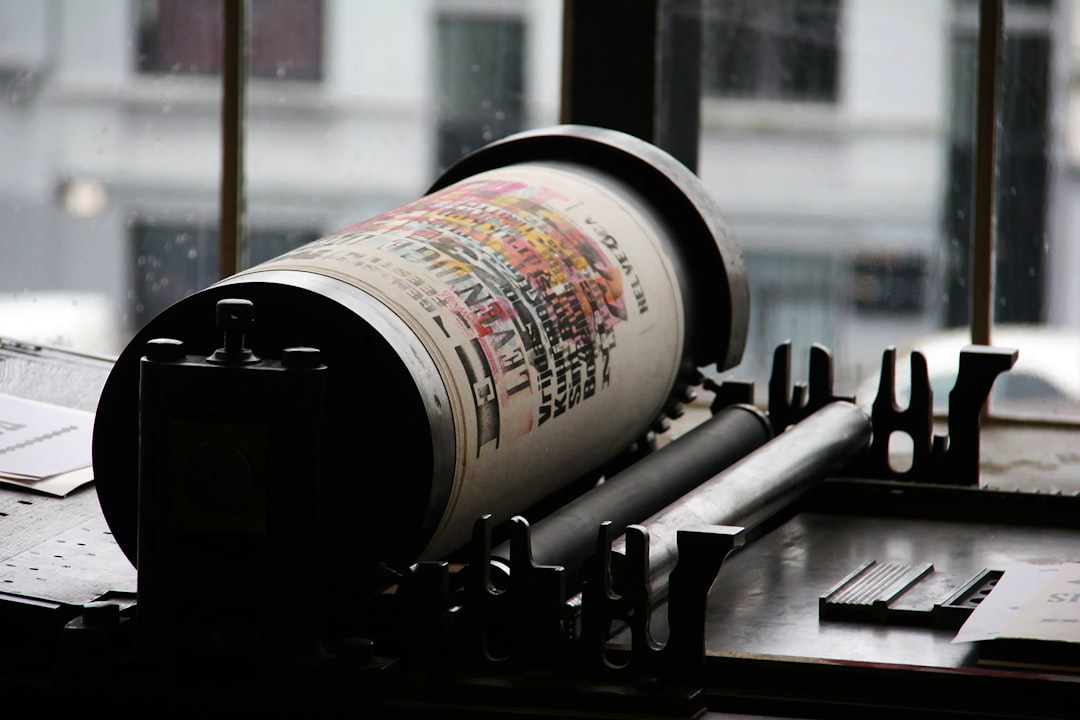
Print quality is a critical factor for organizations and individuals using printing systems. Print defects can take many forms: blurry prints, faded colors, or document alignment issues. These imperfections compromise the professional presentation of documents, while also generating operational inefficiencies and additional expenses.
Quickly identifying the sources of these problems is essential for implementing appropriate solutions. Many factors affect print quality. Problems frequently stem from consumables, particularly faulty or incorrectly positioned ink or toner cartridges.
Inappropriate print settings, such as insufficient resolution or incorrect media type selection, are also common causes. To maintain satisfactory print quality, it is advisable to use certified consumables and to systematically check settings before printing. Consulting with specialists can be beneficial to obtain personalized recommendations tailored to specific needs.
- Summary
- Print quality issues affect the sharpness and accuracy of documents.
- Connectivity problems can interrupt the printing workflow.
- Poor management of consumables leads to frequent downtime.
- Lack of regular maintenance degrades printer performance.
Software incompatibilities complicate integration with existing systems.
Connectivity Issues
Connectivity issues are common in the modern world, where printers are often networked. Whether via Wi-Fi, Bluetooth, or USB, an unstable connection can cause interruptions in the printing process. This can result in documents that either fail to print or take a considerable amount of time to print.
These inconveniences can be frustrating, especially when deadlines are tight. To resolve these connectivity problems, it’s important to check several things. First, make sure the printer is properly connected to the network and that the signal is strong enough.
Sometimes, simply restarting the printer or router can restore the connection. Additionally, it’s advisable to keep your printer drivers up to date to avoid incompatibilities that could affect connectivity. If these solutions don’t work, it might be wise to consult a professional for further diagnosis.
Consumables Management Issues
Professional Printer
Consumables management is an often overlooked but essential aspect for ensuring the smooth operation of a printer. Ink cartridges and toners must be monitored regularly to prevent unexpected failures. A shortage of consumables can lead to printing delays and negatively impact productivity.
Furthermore, poor management can also lead to additional costs if cartridges need to be purchased urgently. To optimize consumables management, it is recommended to implement a tracking system. This can include setting up a schedule to regularly check ink levels and plan orders in advance.
Some modern printers even offer notification features that alert the user when the ink level is low. By adopting these best practices, you can not only avoid unexpected problems but also save money in the long run.
Maintenance and Cleaning Issues
Regular printer maintenance and cleaning are essential to ensure proper operation and extend its lifespan. Printers often accumulate dust and ink residue, which can affect their performance. Neglected maintenance can lead to frequent breakdowns and degraded print quality.
| It is therefore crucial to incorporate these tasks into your routine. To keep your printer in good condition, start by regularly cleaning the external and internal surfaces. Use a soft cloth and avoid harsh chemicals that could damage the components. | In addition, it is advisable to follow the manufacturer’s recommendations regarding cleaning frequency and methods. If a problem persists, do not hesitate to contact a qualified technician who can perform thorough maintenance and identify any hidden issues. | ||
|---|---|---|---|
| Software Compatibility Issues | Error | Description | |
| Percentage of Affected Users | Main Consequence | Using Incompatible Cartridges | Installing Ink or Toner Cartridges Not Recommended by the Manufacturer |
| 45% | Risk of Malfunction and Reduced Print Quality | Ignoring Firmware Updates | Failing to Update the Printer’s Internal Software |
| 38% | Uncorrected Security Issues and Bugs | Insufficient or Incorrect Cleaning | Failing to Regularly Clean Printheads or Components |
| 52% | Decreased Print Quality and Risk of Paper Jams | Using Inappropriate Paper | Printing on a Paper Type Not Recommended for the Printer |
30%
Frequent paper jams and poor print quality
Failure to shut down the printer properly
Unplugging the printer directly or not using the shutdown procedure
Premature wear of electronic components
Software compatibility is another common source of frustration for printer users. Frequent updates to operating systems and software can sometimes render certain printers obsolete or incompatible. This can lead to printing errors or even prevent the printer from working altogether.
It is therefore essential to ensure that all software is up-to-date and compatible with your hardware. To avoid these problems, it is recommended to regularly check for available updates for your printer and operating system. Many manufacturers offer online tools to facilitate this task.
Furthermore, if you are considering purchasing a new printer, take the time to check its compatibility with your existing software to avoid any unpleasant surprises.
Data Security Issues
Professional Photo Printer
In a world where data security is paramount, printers should not be overlooked. Sensitive documents can be at risk if the printer is not properly secured. Confidential information can be intercepted during the printing process or stored on the printer’s hard drive without adequate protection.
Therefore, it is crucial to adopt appropriate security measures. To protect your data, start by setting strong passwords to access printer settings and the network. Additionally, consider using features such as data encryption when printing wirelessly.
Leave a Reply