
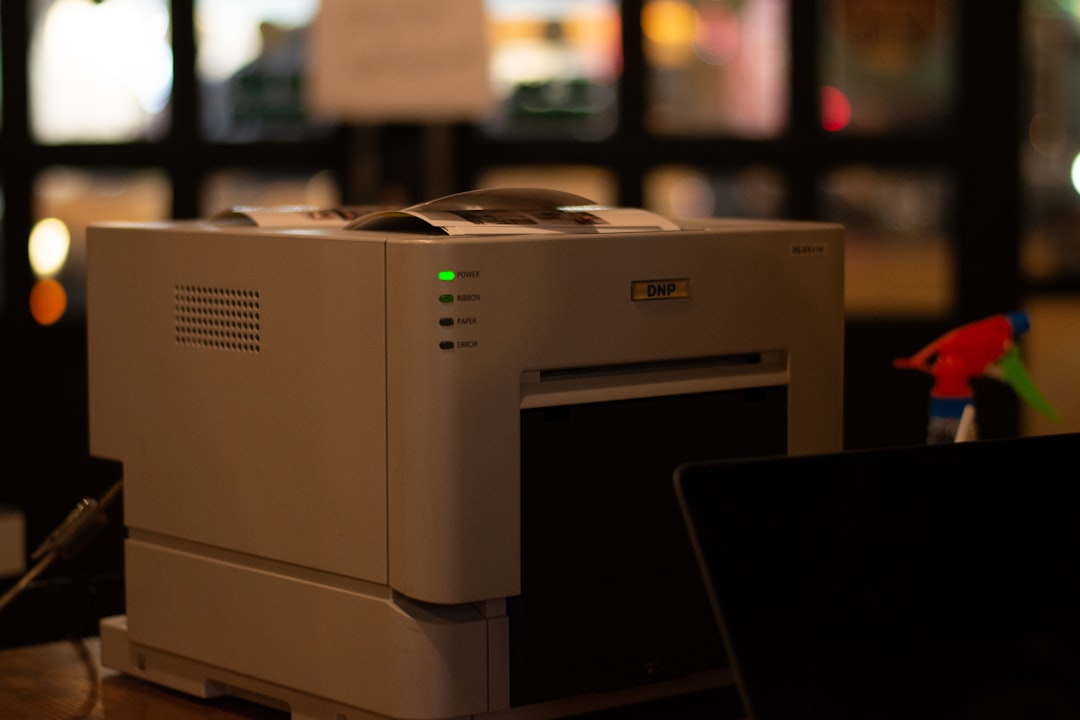
Integrating a copier with an electronic signature and electronic document management (EDM) system has become a necessity for many businesses. In a world where digitalization is increasingly prevalent, it is essential to have tools that facilitate document management while ensuring their security. A modern copier, capable of connecting to electronic signature systems, not only allows documents to be scanned but also electronically signed, significantly simplifying the approval process.
Furthermore, integrating a copier with these systems optimizes workflow within a company. This reduces the time spent managing physical documents and minimizes the risk of human error. Employees can then focus on higher-value tasks, while ensuring that their documents are properly signed and archived.
By integrating a copier with its electronic signature and EDM system, a company also ensures compliance with legal standards regarding document retention. Summary
Integrating a copier with your electronic signature and EDM system improves the efficiency and productivity of document processes.
- Benefits include cost reduction, streamlined workflows, and increased document security.
- The steps to integrating a copier with your electronic signature and EDM system include assessing needs, selecting the right equipment, installation, and staff training.
- Choosing the right copier involves considering speed, print quality, connectivity, and security features.
- Essential features of a copier for e-signature and EDM include duplex scanning, compatibility with document management software, and mobile printing capabilities.
- The Benefits of Integrating a Copier with Your E-Signature and EDM
One of the main benefits of integrating a copier with your e-signature and EDM is improved operational efficiency. By scanning and electronically signing documents, businesses can significantly reduce the time required to process documents. This translates into faster response times and improved customer satisfaction.
Furthermore, the ability to access scanned documents from any internet-connected device facilitates collaborative work, even remotely. Another significant benefit is the reduction in costs associated with printing and physical document storage. By eliminating the need for paper, businesses can save significantly on office supplies and storage space. Additionally, electronic document management allows for quick and efficient searches, avoiding wasted time searching through physical archives. By integrating a copier with its electronic signature and EDM, a company is taking a step toward more sustainable and responsible management.
Steps to Integrating a Copier with Your Electronic Signature and EDM
Integrating a copier with an electronic signature and EDM requires several key steps.
First, it is essential to assess the company’s specific document management needs. This includes identifying the types of documents to be processed, existing workflows, and legal retention requirements.
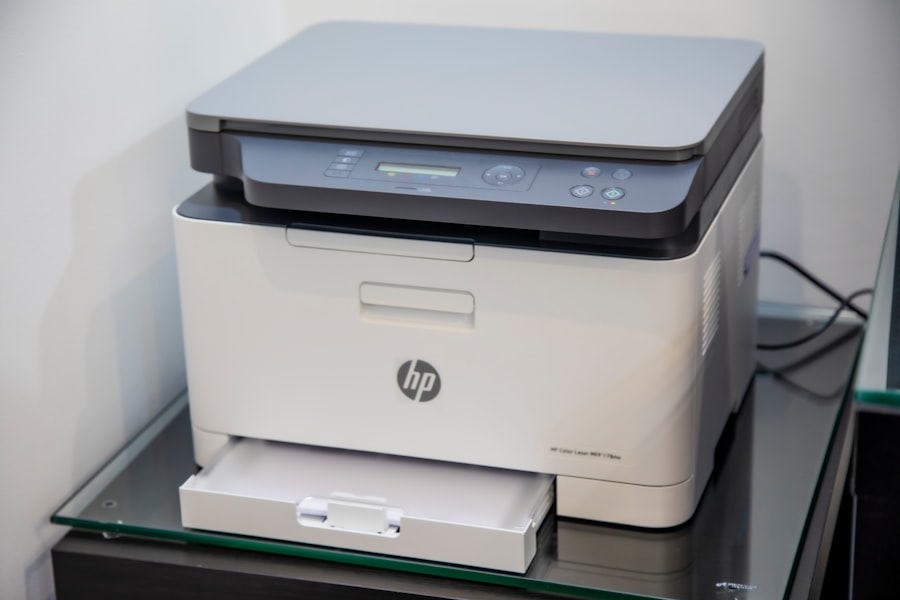
Once these elements have been clarified, it’s time to choose a suitable copier that meets the identified needs. The second step is to configure the copier to be compatible with the electronic signature system and the chosen EDM. This may involve installing specific software or setting up secure network connections.
It’s also important to train staff on how to use the new system to ensure a smooth transition. Finally, it’s recommended to test the entire process to ensure everything is working properly before rolling out the solution company-wide. Choosing the Right Copier for Your Electronic Signature and EDM Copier Model
Electronic Signature Capacity per Minute
EDM Compatibility
| Price | Copier A | 20 | Yes |
|---|---|---|---|
| €1,000 | Copier B | 15 | Yes |
| €800 | Copier C | 25 | No |
| €1,200 | Choosing the right copier is crucial to ensure successful integration with electronic signatures and EDM. It’s important to consider several criteria when making this selection. First, compatibility with the company’s software is essential. | It’s advisable to choose a copier that offers advanced features such as double-sided scanning, Wi-Fi connectivity, and the ability to send documents directly to cloud platforms. Next, evaluate the copier’s capacity in terms of print and scan volume. For companies that process a large number of documents, a high-end model with fast print speeds and a large input capacity will be more suitable. Finally, it’s essential to consider the total cost of ownership and operation of the copier, including maintenance and consumable costs. | The essential features of a copier for electronic signatures and EDM |
To ensure effective integration with electronic signatures and EDM, certain features are essential in a copier. First, high-resolution scanning capability is essential to ensure scanned documents are clear and legible. Additionally, a good copier should offer scanning options to various formats (PDF, JPEG, etc.) to accommodate diverse user needs.
Another key feature is the ability to integrate with cloud solutions. This allows users to easily access scanned documents from any internet-connected device. Finally, a modern copier should also offer advanced security options, such as data encryption and user authentication, to protect sensitive information during document processing.
Best Practices for Using a Copier with Electronic Signatures and EDM
To maximize the effectiveness of using a copier with an electronic signature and EDM, certain best practices should be followed. First, it’s recommended to establish clear protocols for document processing. This includes defining the steps to follow for scanning, electronically signing, and archiving documents. Good communication within the team is also essential to ensure everyone understands their role in the process. Additionally, it’s advisable to conduct regular audits of copier and EDM system usage to identify potential areas for improvement. This may include updating software or adjusting workflows to better meet changing business needs.
Finally, it is important to continually train staff on new copier features and document management best practices.
Mistakes to Avoid When Integrating a Copier with an Electronic Signature and EDM
When integrating a copier with an electronic signature and EDM, there are some common mistakes to avoid to ensure the project’s success. One of the most common mistakes is neglecting the importance of staff training. Without proper training, employees may encounter difficulties using the new system, which can lead to delays in document processing.
Another common mistake is failing to properly assess the company’s specific needs. Choosing a copier without considering specific requirements can lead to an unsuitable solution that fails to meet expectations. Finally, it is crucial to avoid underestimating the importance of security when handling electronic documents.
Ensure all necessary measures are in place to protect sensitive information. Future Trends in the Integration of Copiers with Electronic Signatures and EDM
The future of copier integration with electronic signatures and EDM looks promising, with several emerging trends. First, there is a continued increase in automation in document processing. Companies are seeking to further reduce the time spent on manual tasks by integrating intelligent solutions that enable fully automated document management.
Leave a Reply