
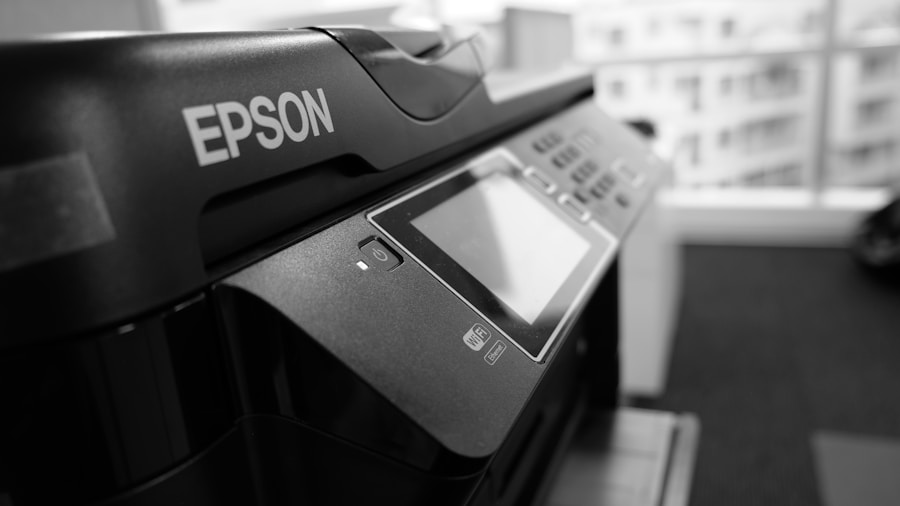
Modern photocopiers no longer simply reproduce paper documents. They are often equipped with internal hard drives that store scanned images, copied documents, and even faxed files. This feature, while convenient, poses a significant risk to data confidentiality.
Indeed, when these devices are decommissioned or returned to a vendor, sensitive information can be easily accessed by malicious third parties. Studies have shown that many used photocopiers still contain personal or business data, which can lead to privacy breaches and information leaks. Furthermore, photocopiers can store data for extended periods without users’ knowledge.
For example, a photocopier used in a business may store copies of confidential documents, such as contracts, bank statements, or employee information. If this data is not properly erased before the device is returned, it can be retrieved by unauthorized individuals, resulting in serious consequences for the company, including financial losses and reputational damage.
Summary
- Photocopiers can pose a risk to the confidentiality of stored data.
- Following specific steps to erase data stored on an end-of-life photocopier is essential.
- Compliance with data protection regulations is crucial to avoid confidentiality risks.
- Software solutions are available to effectively erase data stored on a photocopier.
- Taking security measures before returning an end-of-life photocopier is essential to protect personal data.
Steps to erase data stored on an end-of-life photocopier
Erasing data from an end-of-life photocopier requires a methodical approach to ensure that all sensitive information is completely removed. The first step is to consult the device’s user manual, as each model may have its own procedures for erasing data. Generally, most modern photocopiers have a data erase function that can be activated via the setup menu.
It is crucial to follow these instructions exactly to ensure that all data is deleted. Once the erase option has been selected, it is recommended to perform a complete hard drive wipe. This may involve multiple erase cycles to ensure that the data cannot be recovered.
Some companies also choose to use specialized software to perform this task, as these tools can provide additional security by making data recovery virtually impossible. After completing the erasure process, it is advisable to verify that all data has been deleted by performing a recovery test.
The Importance of Compliance with Data Protection Regulations

Compliance with data protection regulations is essential for any company handling sensitive information. Laws such as the General Data Protection Regulation (GDPR) in Europe impose strict obligations regarding the processing and retention of personal data. Non-compliance can lead to significant fines and legal action.
Therefore, it is imperative that businesses take the management of data stored on their photocopiers seriously. Furthermore, compliance isn’t just limited to erasing data before returning a photocopier. It also encompasses implementing robust internal policies regarding document management and the use of office devices.
This includes training staff on data security best practices and establishing clear protocols for handling and disposing of sensitive documents. By integrating these measures into their corporate culture, organizations can significantly reduce the risk of data breaches.
Software Solutions for Erasing Data Stored on a Photocopier
There are several software solutions on the market designed specifically to erase data stored on photocopiers. These tools offer a secure and effective method to ensure that all sensitive information is completely removed before the device is returned. Some of these solutions are developed by the manufacturers themselves, while others come from third-party companies specializing in data security. Using erasure software not only automates the process but also ensures complete traceability. Many programs offer detailed reports after erasure, detailing what data was deleted and how it was done. This can be particularly useful for companies that need to demonstrate compliance with data protection regulations. By choosing a reliable software solution, businesses can rest easy knowing their sensitive information won’t fall into the wrong hands.
Security Measures to Take Before Returning a Photocopier at the End of its Contract
Before returning a photocopier at the end of its contract, it is crucial to adopt several security measures to protect sensitive data. First, it is recommended to conduct a complete audit of the copier’s contents to identify all information stored on the device. This includes not only copied documents, but also those scanned or faxed.
Once this step is complete, it is essential to perform a complete data erasure as mentioned above. At the same time, it is wise to consider physically destroying the hard drive in some cases. This extreme method ensures that even the most advanced recovery techniques will not be able to access previously stored data.
Furthermore, it is advisable to keep detailed documentation of the erasure process and, if possible, obtain a certificate of erasure issued by a professional or specialized company. This can serve as evidence in the event of a subsequent dispute regarding data management. Legal Consequences of Failure to Delete Data from a Photocopier at the End of the Contract
The legal consequences of failing to delete data from a photocopier can be severe and varied.
First, a company that fails to comply with its data protection obligations may face significant fines imposed by the relevant authorities.
For example, the GDPR provides for penalties of up to €20 million or 4% of a company’s annual worldwide turnover, whichever is greater.
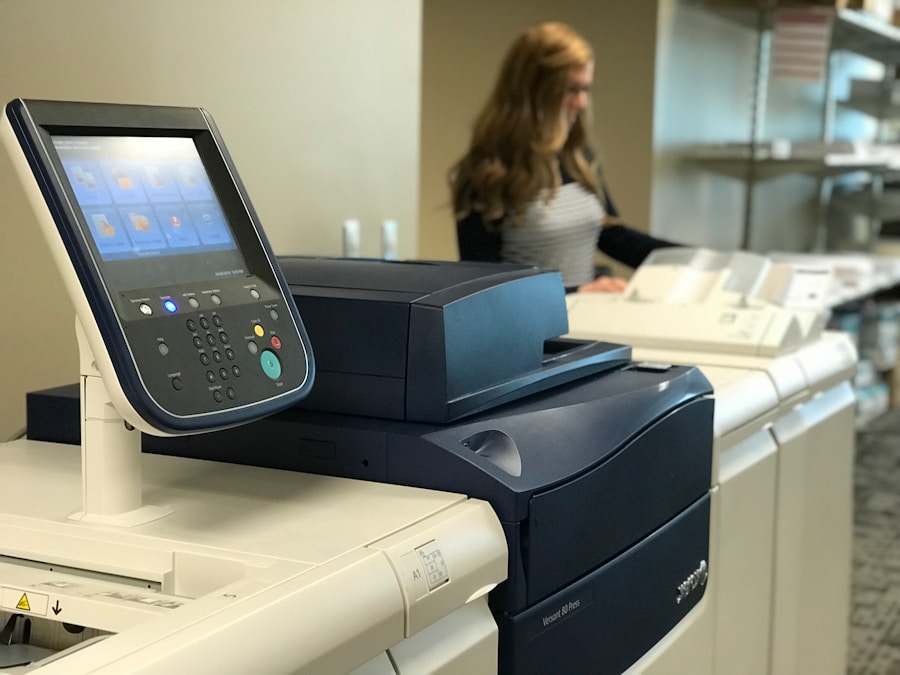
Furthermore, the unintentional disclosure of sensitive information can also lead to legal action by those affected. If a customer or employee suffers harm due to a breach of their personal data, they may take legal action against the responsible company. This can not only result in significant financial costs but also damage the company’s reputation in the long term. Companies must therefore take their data management responsibilities very seriously to avoid these potentially disastrous consequences. Best Practices for Managing Data on a Photocopier in the Office
To minimize the risks associated with data confidentiality on a photocopier, it is essential to adopt certain best practices within the company. First, it is recommended to establish a clear policy regarding the use and management of photocopiers. This includes defining the types of documents that can be copied or scanned and establishing protocols for handling sensitive information. Additionally, regular staff training on data security best practices is crucial. This may include awareness sessions on the risks associated with improper use of photocopiers and the importance of properly erasing data before returning or disposing of the device. By embedding these practices into organizational culture, companies can create a more secure environment for managing sensitive information.
The Benefits of Hiring a Professional to Wipe Data from an End-of-Term Copier
Hireing a professional to wipe data from an end-of-term copier offers several significant benefits.
First, these experts typically have extensive knowledge of the best practices and technologies available to ensure secure and complete data erasure.
Their experience also allows them to quickly identify any potential vulnerabilities in the erasure process.
Furthermore, hiring a professional allows businesses to focus on their core business while ensuring their legal obligations are met. Companies specializing in this field often provide comprehensive documentation of the process, which can be invaluable in the event of a subsequent audit or regulatory review. By investing in this type of service, businesses can not only protect their sensitive information but also strengthen their reputation for compliance and data security.
To learn more about managing data stored on an end-of-life copier, you can read the article “Why Your Business Needs a Large Format Printer.” This article explores the importance of having the right printing equipment to meet your business needs, including the security of stored data. Free Quote
Leave a Reply